Contact Us

While Edmentum is a remote-first organization, corporate headquarters is located in Bloomington, MN. This allows Edmentors (that’s what we call ourselves) to come together in person and have space to think creatively, collaborate with one another, and celebrate our rich 60+ year history. Please direct all mail and correspondence to this address.
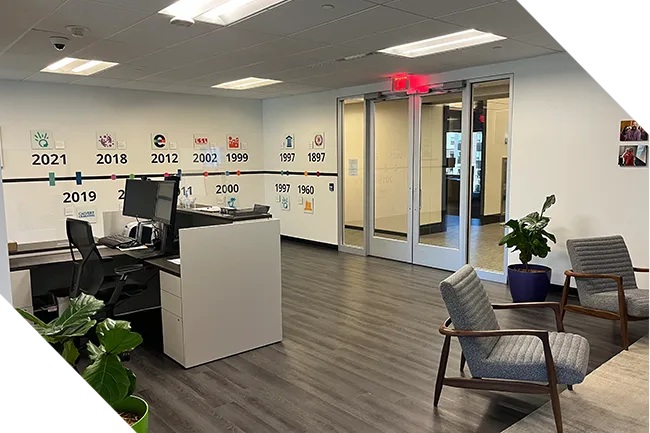
WEBD 35 001 Contact Hero Header

Global Headquarters

5600 W 83rd St, Suite 300, 8200 Tower
Bloomington, MN 55437-1000
United States

1-800-447-5286
info@edmentum.com


International
+44 (0)1572 492576 
international@edmentum.com

Customer Support
Contact Support

+44 (0)1572 492576

System Status Report

Edmentum Support Form

User Role


Contact Information


Student Contact Information


Edmentum Employee Information


Location


Service/Platform


Learn and Support has articles, guides, and troubleshooting resources for each product.


Login Image  - Directly at Edmentum
An Edmentum branded page with different login options
Login Image - Genius
An Edmentum branded page with a username and password but the URL includes Genius.
Login Image - Clever
A Clever branded web page with a search bar for the school name and a badge login.
Login Image - Classlink
A ClassLink branded page that allows you to search for your location.
Login Image - Canvas
An Instructure branded page featuring the Canvas logo and different account login options


Issue Description


File size limit is 25MB

File size limit is 25MB
Troubleshooting Tips
Before submitting a support request, please take a moment to review the troubleshooting tips below. These steps often fix common issues and can save you time.

Basic Troubleshooting Tips
  • Refresh the browser.
  • Close and restart the browser.
  • Restart your device.
  • Clear the browser’s cache and cookies.
  • Check that pop-ups are enabled.
  • Make sure that the list of trusted sites has been added to the network/filters (How-to and List)
  • Check that the browser is updated to the latest version.
  • Check the internet connection.
  • Check Edmentum’s system status.
  • Add Edmentum Email Addresses to approved sender list (How-To).